Can I use Linux for Daily Work?
Last year I wrote why, despite Apple’s decline on its software quality and my disappointment with Apple’s leadership in general, I was not leaving MacOS.
I’m not leaving MacOS for the moment either. Even so, I wanted to give Linux for desktop a try (again) and see how far I could go using it as a daily driver. Why does this matter? Because I want to have an alternative to MacOS in case Apple keeps declining. Also, I have this underlying philosophy of using apps that don’t lock me in whenever possible.
After extensive testing, I found that many apps I use work great and feel fast on Linux. However, my conclusion is that the lack of Microsoft Excel or a decent Mail and Calendar client are a deal breaker in my case. If you don’t need those—maybe you use GMail or Google Workspace, or using Microsoft Office throught the browser is enough—Linux may be an option for you.
It was gratifying to find that Omarchy, the Linux for desktop distribution I used, worked flawlessly out of the box, recognizing all my hardware and devices without needing to install additional drivers or tweaking the system. Also, Omarchy provides a consistent experience. I’ve tried Linux on desktop several times in the past years, and this was not always the case.
In the process of trying Linux as my daily driver I learned about my own workflow. I discovered that my daily work is more dependent on ecosystem integration than on any individual app. (Clipboard sharing between devices and calendar sync, for example.) I will need to address these issues sometime in the future.
The rest of the post is a log of the setup I tested, in case you are interested in more technical details. Otherwise feel free to stop reading here.
Omarchy
David Heinemeier Hanson (DHH) is the co-founder of 37Signals, the company behind Basecamp and other great products. He’s also the creator of Rails, a popular framework for web development in Ruby. He’s well known in the developer community.
After Apple blocking the upgrades of 37Signals’ mail app on the iOS app store for weeks for no solid reason, and other incidents, DHH felt out of love with the company. Although not explicitly, he started a crusade against it. (Talk about losing fans… this guy appeared on some Apple commercials years ago.) He went from changing his iPhone for an Android phone, and then switching to Linux for software development, and posting his findings online.
He started with Ubuntu, a popular Linux distribution. He dove really deep into configuring Ubuntu to his liking. He automated all the configuration steps, and sometime later released Omakub, “an Omakase Developer Setup for Ubuntu”, so developers could have a working setup a few minutes after installing Ubuntu. (Omakase means “the chef’s choice.”)
But he didn’t stop there. Discontent with the quirks and overloaded configuration of Ubuntu, he switched to Arch Linux (another Linux distribution). Shortly later he released Omarchy, an opinionated setup of the Arch Linux distribution configured to give you a working setup out of the box.
Omarchy quickly gained traction. A couple of months after the first release, it had been downloaded more than 200,000 times. Also, other people started contributing and many developers started trying the distribution1.
How far can you go with Linux
I hadn’t tried Omarchy yet because it requires Intel/AMD processor, and the Mac M series are ARM based. I didn’t want to disrupt the machine I use for work.
Even so, I wanted to try how far I could go in replicating a working setup that could mimic what I do on the Mac. One thing is running a mental experiment, another thing is trying the setup hands on. Also, coding is not the main part of my work.
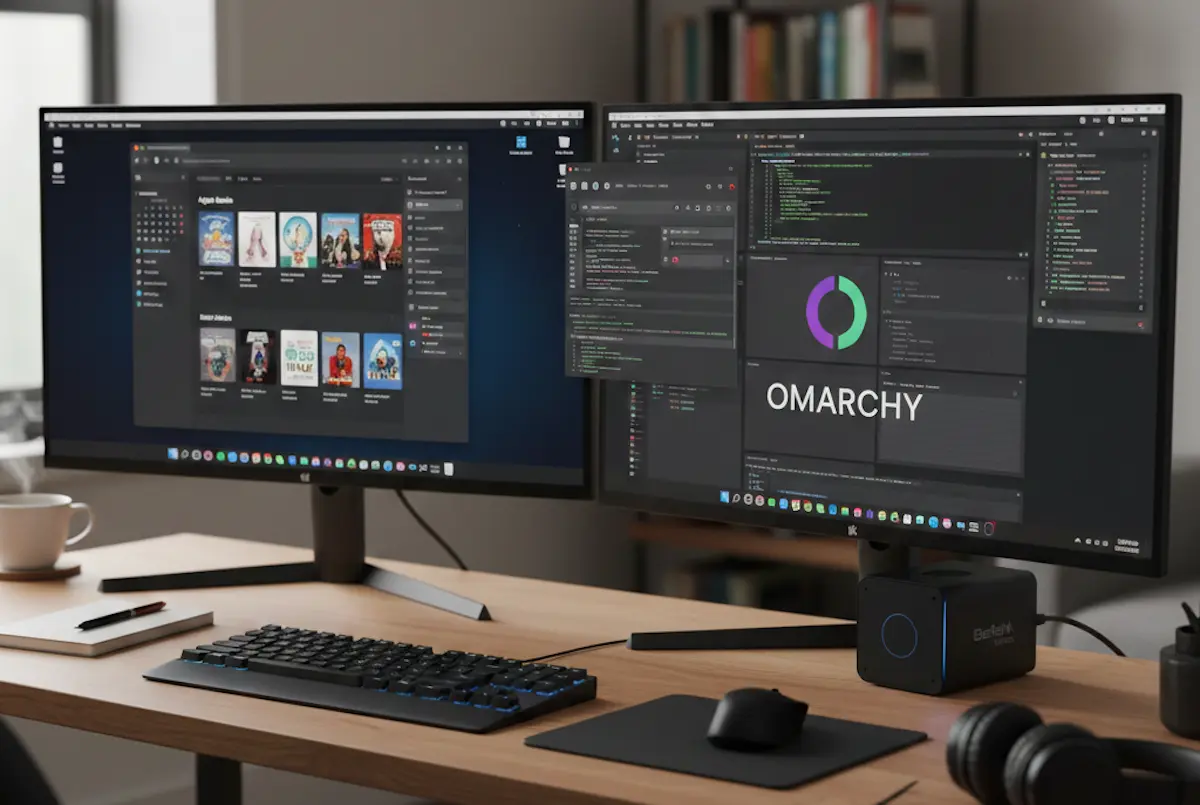
At the end of last year I got a Beelink miniPC2. A miniPC is a small PC you can connect to a monitor, keyboard and mouse. Of course, I installed Omarchy on it.
Everything worked fine out of the box: audio drivers and screen drivers, wifi card… It recognized my Apple Magic Trackpad, an external Logitech webcam. Linux has come a long way, I remember this was a major headache not many years ago.
I don’t mind Omarchy’s opinionated choices —I can always customize what I don’t like. The magic of Omarchy is that it provides consistent opinionated choices.
Omarchy uses Hyprland, which is a tiling window manager. When you open an app, its window automatically snaps into place among the other open apps. Also, Omarchy is mostly keyboard-driven. I’m perfectly fine with that, I already use Rectangle for window-tiling on MacOS, and I love using the keyboard whenever possible.
Core Apps Setup
After some playing with my new Linux installation, I made a list of things I needed on Linux if I was going to use it for my day-to-day work. Then, I proceeded to try them one by one.
- Keyboard. I use an US-International keyboard layout so I can type accented characters (tilde) when needed. Omarchy docs explained which configuration file I had to change. Worked without problems.
- Dropbox. For syncing my work and personal files with my devices. Worked perfectly.
- 1Password. For password management and 2FA. Worked perfectly.
- ProtonVPN. The UI threw an error but otherwise connected. The CLI also worked fine.
- Web browser. I switched from Safari to Brave on MacOS. These enabled me to access open tabs on either MacOS or Linux, and to sync the extensions. Omarchy comes with Chromium preinstalled, so I installed Brave and set it up as my default browser.
- Obsidian, which I use for taking notes, journaling and knowledge management more in general. I was already using the paid Obsidian sync plan. It worked perfectly, syncing both my files and extensions.
- Development tools: Omarchy uses Ghostty, the same terminal emulator I use on MacOS. Other tools like neovim, VS Code, Docker, and other tools work perfectly on Linux and so did on Omarchy.
The Trade Offs
Then came apps I use on MacOS that had no direct translation on Linux or didn’t offer a native app.
Text expansion
On MacOS, I use Alfred both for launching apps and snippet expansion. There’s no exact replacement for Alfred, which not only launches apps but can use extensions, automations, and text expansion (snippets). Omarchy has its own app launcher but does only that: it launches apps and nothing else.
I can live without Alfred extensions, but I make heavy use of snippets. I wanted an app that worked both on Linux and MacOS so that if I added a snippet on one platform, it would be available on the other.
After some research, I installed Espanso. I exported Alfred’s snippets and asked Claude Code to convert the snippet files in the directory to an Espanso’s configuration file syntax. I then used Dropbox to sync the configuration file with both machines. Worked perfectly.
There is no native WhatsApp app for Linux, so I had to settle for the web app. The web app, however, does not allow voice or video calls, which is limiting because while working I answer WhatApp calls directly on my laptop.
Microsoft Teams, Google Meet, Zoom
Teams has no native app for Linux. Meet has no native app on any platform. Both worked fine in the web browser. Zoom offers a native app, although I didn’t try it as I seldom use Zoom these days.
Books
I read fiction books on my Kindle device. For non-fiction, I use the Kindle app on MacOS so I can take notes while reading. There’s no Kindle app for Linux but you can access your Kindle library through Amazon’s Kindle Webpage. Alas, I found that reading on the webpage is way better than using Amazon’s horrible Kindle app.
Apple does not offer a version of Books for Linux, nor does it allow to read your books through a web app. I’ve bought a few books through Apple Books, fortunately not many.
For managing my e-book library, I’m using Calibre, available for both platforms. The books reside in the same directory for both Linux and MacOS, synced by Dropbox.
AirDrop
LocalSend is a great substitute for AirDrop.
What is not great
There are a few things that make it very hard for me to think of using Omarchy as my daily driver.
- No Microsoft Office suite. I can find substitutes for Word (Google Docs) and PowerPoint (Canva, or Google Slides), but not for serious work on Excel3. Using the web version of Excel is not enough, and requires the file to be on One Drive. (I also share several Excel files with my wife, some with my daughter, and I think this will grow in the future as the kids grow. I’m sure any one of them will give me their honest and brutal opinion about LibreOffice if I ask them to use.)
- No decent email client. The closest thing I’ve found is Mozilla’s Thunderbird. Thunderbird can handle several email accounts on a unified inbox, has great search… but the UI/UX design is terrible. I could use it if necessary, but it’s a pain and a “flow stopper”. Apple Mail.app is not the GOAT, but offers a decent user experience. Even Outlook, as bloated as it is, would be great to run on Linux.
(Screenshot)
- Calendar app. There are several calendar apps for Linux. Besides their horrible UI design, I couldn’t find one with full support for Apple’s iCloud calendar. Thunderbird comes near, but support for shared calendars is poor. The UI design feels even older than Thunderbird’s mail client. I considered switching my calendars—at least the ones under my control—to a standard WebDav server, but I desisted for the moment.
Things I could maybe live without
- Copy and paste between devices. I love this Apple ecosystem’s feature, and use it a lot. (I could live without this, but…)
- Other apps. Acorn, Textsnipper. No native ChatGPT or Claude apps. Maybe I could find substitutes.
For the time being, I’m using Omarchy for coding. (Coding is not what I do most of the time.) Also, I’m using it for running some experiment, testing scripts and automations, etc.
In conclusion, the possibility of using Linux for full time work is real. How real will depend on the specific apps you need, but you can probably forget about past problems with drivers, kernel configuration, and other nerdy stuff.
-
Like Omarchy, DHH is opinionated. I don’t mind that. I can admire what he does without agreeing with him in everything. But there are people out there that really hate this guy at a personal level and therefore hate Omarchy. ↩︎
-
The SER5 Max has an AMD Ryzen 7 6800U 4.7 GHz CPU, 24 GB RAM and 512 GB SSD Drive, which is a great configuration for the price. ↩︎
-
Don’t tell me about LibreOffice. I could use it to open an Excel file now and then, but not for serious work. Not only is the UI/UX horrible, but I don’t dare to save a complex Excel file from LibreOffice. The same goes for Google Sheets: it’s OK, but it’s not an Excel replacement. ↩︎